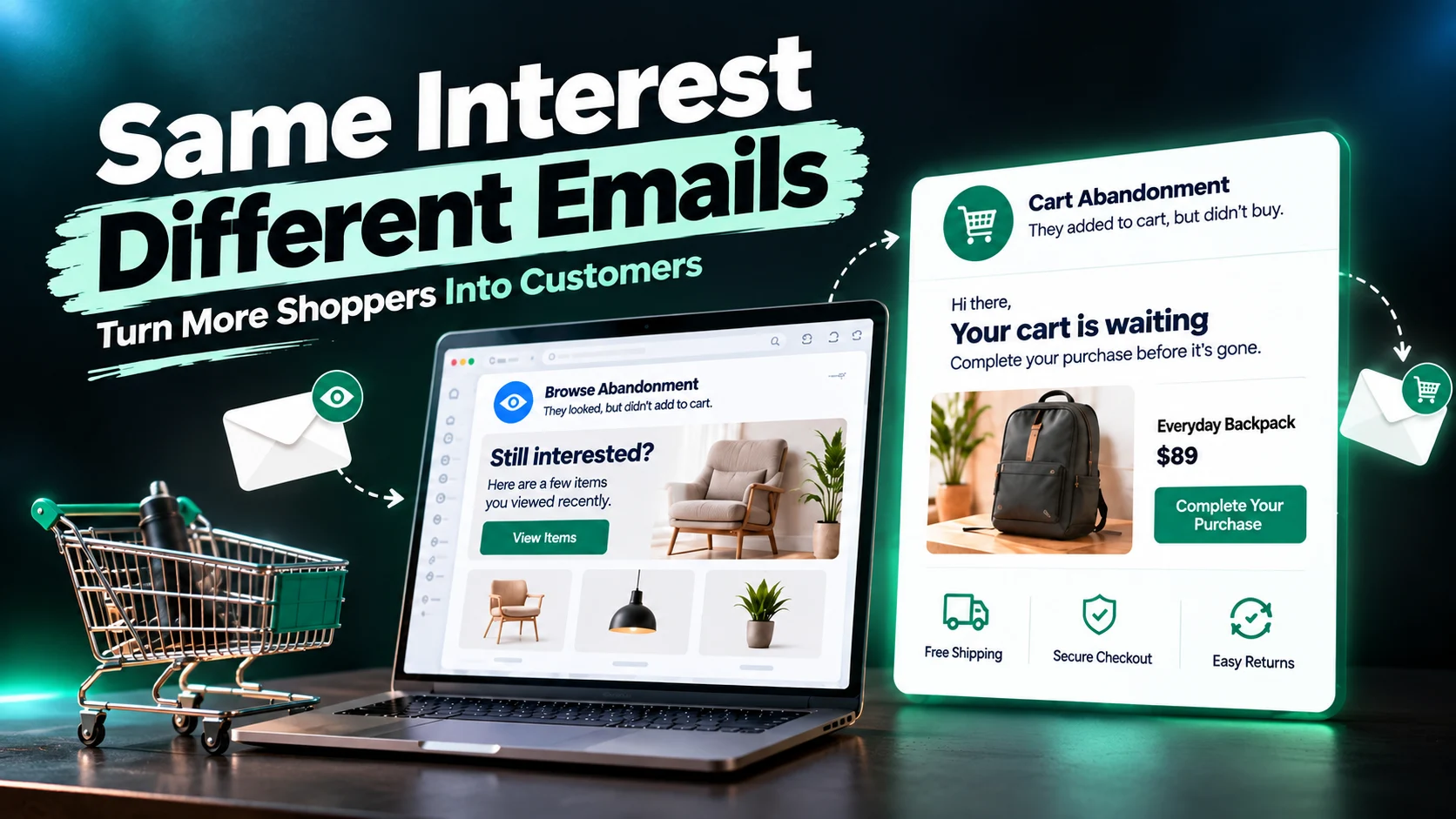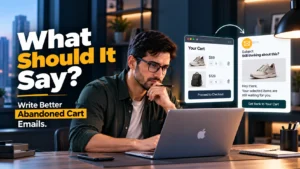
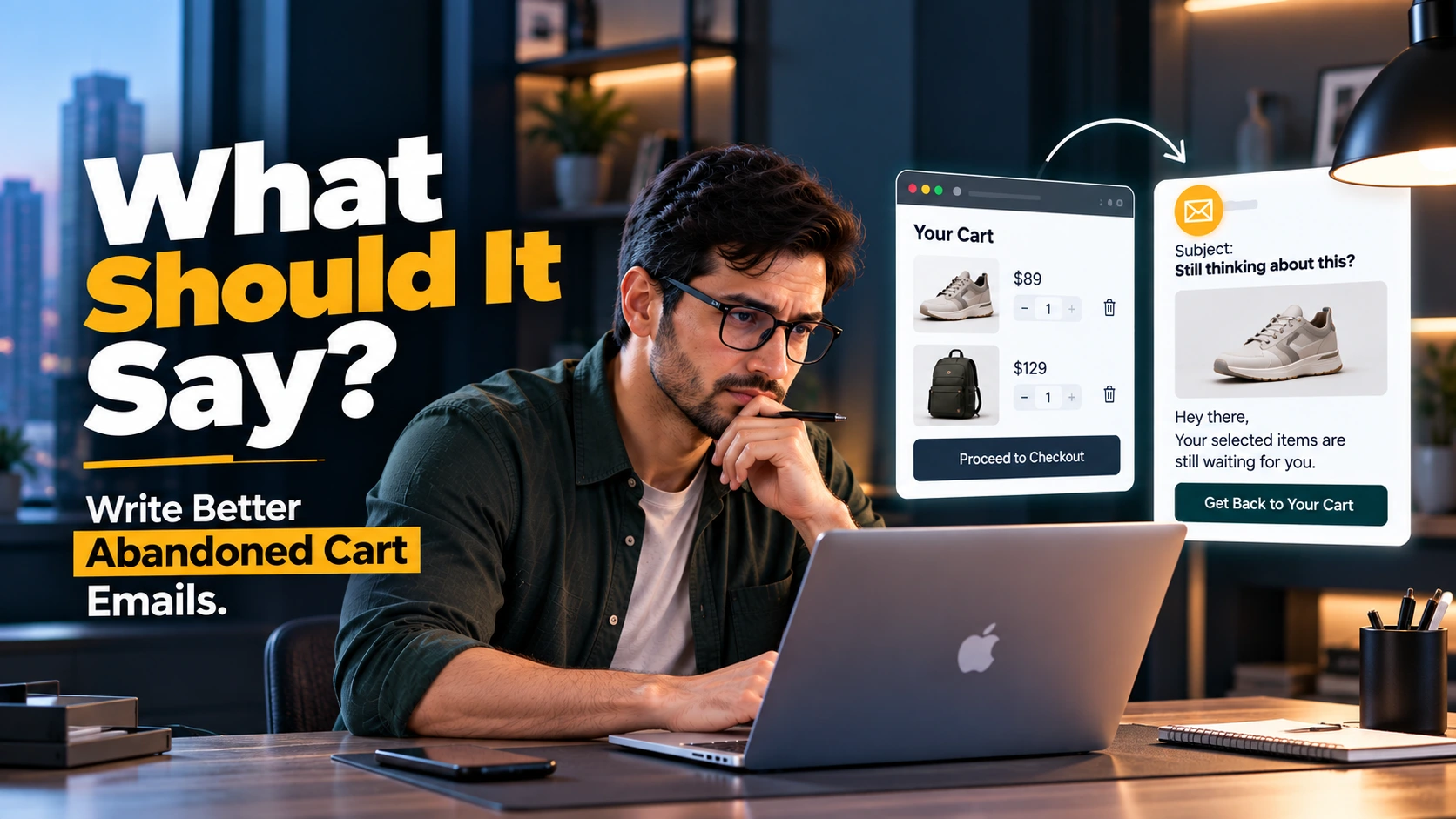
An abandoned cart email has a simple job: remind someone about a purchase they started but did not finish. The difficult part is deciding what that reminder should actually say.
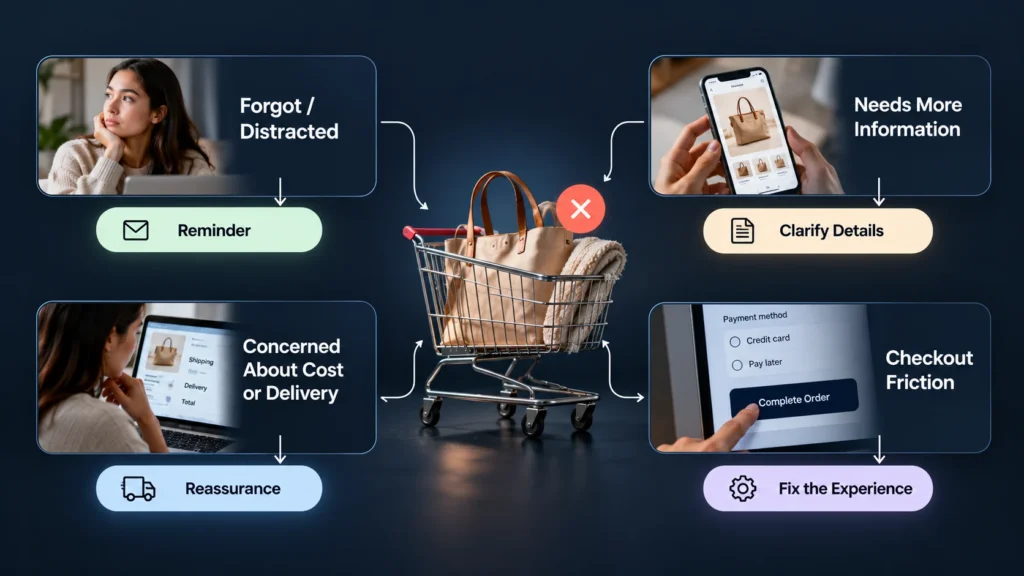
A weak email usually treats abandonment as a problem of memory. It shows the product again, adds a “Complete Your Purchase” button, and assumes the customer simply got distracted. Sometimes that is true. But cart abandonment can also happen because the customer is comparing options, questioning the price, checking shipping costs, hesitating over the return policy, encountering checkout friction, or simply not being ready to buy yet. Baymard’s recent research, for example, distinguishes between abandonment caused by shopper intent and abandonment connected to checkout or user-experience problems.
That distinction matters because the best abandoned cart email is not necessarily the one with the strongest discount or the most urgent subject line. It is the one that responds appropriately to what the customer may still need before completing the purchase.
Start With the Customer’s Reason for Leaving
Before writing the email, look at what happens immediately before abandonment.
If a customer adds a product to the cart and leaves without reaching checkout, the message may need to be a simple reminder. If they reach checkout, enter their details, and then leave, the situation may be different. They may have encountered an unexpected cost, delivery concern, payment problem, trust issue, or another point of friction.
This is why an abandoned cart email should not be treated as a standalone piece of copy. It is part of the wider buying experience.
Baymard’s research shows that many cart abandonments are not realistically recoverable because people are browsing, comparing prices, saving products for later, or simply not ready to purchase. Other abandonment reasons are more closely connected to issues businesses can address, such as unexpected costs, complicated checkout flows, account requirements, and trust concerns.
So the first question is not:
“How can I persuade this person to buy?”
A better question is:
“What might still be preventing this person from feeling comfortable completing the purchase?”
That change in thinking leads to much better email decisions.
What the Email Actually Needs to Do
A useful abandoned cart email normally needs to accomplish a few things without trying to do everything at once.
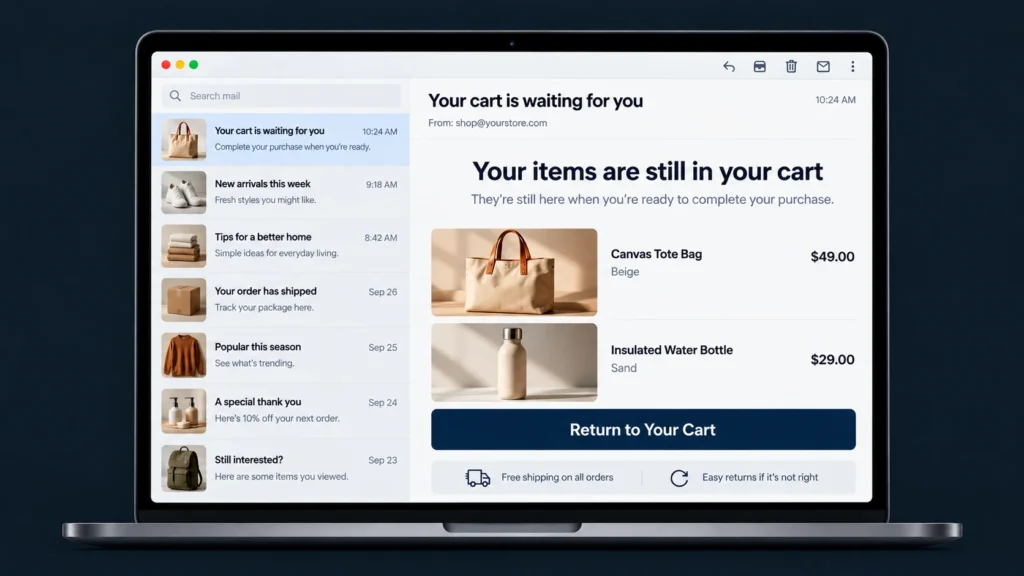
Remind the customer what they left behind
Show the abandoned product clearly. Include the product name, image, relevant option such as size or color, and price where appropriate.
The customer should not have to remember what they were looking at.
This is also why adding unrelated products to the email can be counterproductive. Klaviyo recommends keeping abandoned cart messages focused on the products that were actually abandoned rather than filling the message with additional recommendations that distract from the original action.
Make the next step obvious
The customer should immediately understand what happens when they click.
Instead of making them search through the email, give them one obvious path back to their cart or checkout.
A button such as Return to Your Cart or Continue Your Checkout is often clearer than a vague CTA such as Learn More.
The wording should match the actual action behind the button.
Remove uncertainty when you can
If customers commonly hesitate because of shipping, returns, delivery timing, payment options, or another legitimate concern, the email can address that concern briefly.
For example:
Still deciding? You can review our shipping and return information before completing your order.
That is more useful than simply saying:
Don’t miss out!
The first message helps the customer make a decision. The second mainly applies pressure.
Should You Offer a Discount?
Not automatically.
A discount can recover some purchases, but it can also teach customers to wait for a coupon every time they abandon a cart. More importantly, a discount does not solve every reason for abandonment.
If someone left because shipping information was unclear, a 10% discount may not address the real problem. If the checkout felt complicated, reducing the price does not make the checkout easier. If the customer is still comparing products, a coupon may not be enough to settle the decision.
A better approach is to first understand whether an incentive is actually necessary.
Consider the difference:
| Situation | More useful email approach |
| Customer may have simply forgotten | Simple reminder |
| Product information may be unclear | Reinforce key product information |
| Shipping or delivery is a concern | Clarify shipping information |
| Return policy is causing hesitation | Make return information easy to find |
| Customer needs more confidence | Reinforce trust and reassurance |
| Price is a genuine barrier | Consider a relevant incentive |
| Customer has already purchased | Do not continue the abandoned cart flow |
The email should respond to the situation rather than automatically attaching a discount to every abandoned cart.
What Should the Email Say?
A practical abandoned cart email can follow this structure:
Subject: Still thinking it over?
Opening:
You left something in your cart. If you’re still considering it, your items are waiting for you.
Product section:
Show the abandoned product with the relevant details.
Reassurance:
Need to check shipping, returns, sizing, delivery, or another detail first? Give the customer a direct path to that information.
CTA:
Return to Your Cart
Closing:
Have a question before completing your order? We’re happy to help.
Notice what this structure does not do. It does not immediately accuse the customer of forgetting, create artificial urgency, or bury the checkout link under several competing offers.
The goal is clarity.
A Simple Example
Imagine an online store selling premium skincare products.
A weak abandoned cart email might say:
Subject: You forgot something!
Your cart is waiting. Buy now before it’s too late!
There is nothing necessarily wrong with a short reminder, but the message gives the customer no additional reason to feel confident.
A more useful version could say:
Subject: Still thinking about your skincare picks?
You left these products in your cart. If you’re still considering them, you can return to your cart and pick up where you left off.
Need to check shipping or returns first? You can review those details before completing your order.
Return to Your Cart
The second version is not dramatically longer. It is simply more considerate of the decision the customer is making.
Timing Matters, Too
The email itself is only one part of the recovery strategy. Timing, audience conditions, and the rest of the automation matter as well.
Shopify supports abandoned checkout recovery for eligible checkout situations and provides an abandoned checkout link that allows a customer to continue the checkout process. Its current documentation also notes that recovery emails are not sent in certain situations, including when the customer has already completed a purchase or when other eligibility conditions are not met.
Klaviyo’s current guidance recommends testing an abandoned cart flow rather than treating the email as an isolated message, and reports that, based on its research across thousands of ecommerce customers, two to three abandoned cart messages can perform well as a flow. That is a platform-specific benchmark, not a universal rule, so your own customer behavior should determine the final setup.
The important principle is simple: do not keep reminding someone after the reason for the reminder no longer exists.
If the customer purchases, the abandoned cart sequence should stop.
Your Email Should Not Try to Fix a Broken Checkout
This is one of the most important distinctions for business owners.
An abandoned cart email can recover some customers, but it cannot compensate for every problem in the buying experience.
If your checkout hides shipping costs until the final step, forces unnecessary account creation, has confusing fields, produces errors, or makes important policies difficult to find, the better solution may be to improve the checkout itself.
Baymard’s ongoing checkout research identifies several forms of checkout friction that contribute to abandonment, including unexpected additional costs, complicated checkout processes, account requirements, trust concerns, and other usability problems.
In other words, recovery email optimization should not become an excuse to ignore the experience that caused the abandonment in the first place.
A Better Way to Judge the Email
Do not judge an abandoned cart email only by whether someone clicked the button.
Look at the broader picture:
- Are the right abandoned products being shown?
- Is the email reaching people who are actually eligible for recovery?
- Does the CTA take the customer to the correct place?
- Are customers receiving the email after they have already purchased?
- Are common customer concerns being addressed?
- Is the email offering unnecessary discounts?
- Does the message match the brand’s normal communication style?
- Are you testing different messages instead of assuming one version will work for everyone?
The goal is not simply to send more recovery emails.
The goal is to make the recovery experience more useful.
What Matters Most When Writing an Abandoned Cart Email
An abandoned cart email should feel like a helpful continuation of the shopping experience, not a last-minute sales interruption.
Start with the reason the customer may have stopped. Then decide what information, reassurance, reminder, or incentive is actually appropriate. Keep the product and next action clear, remove unnecessary distractions, and make sure the automation stops when the customer completes the purchase.
If your abandoned cart emails are underperforming, changing the subject line may help, but it may not be where the real problem is. Review the complete journey from product page to checkout to recovery email. Sometimes the most effective improvement is not a better email. It is a clearer buying experience.
If you are reviewing an ecommerce email flow and are unsure whether the problem is the email, the automation, or the checkout itself, looking at those pieces together can give you a much clearer picture before making changes.